AirAsia flight status — stay informed, act fast

Whether you’re flying from KLIA2 or meeting someone at arrivals, here’s how to check live status, interpret the terms on the screen, and handle delays like a pro.

Check status on AirAsia
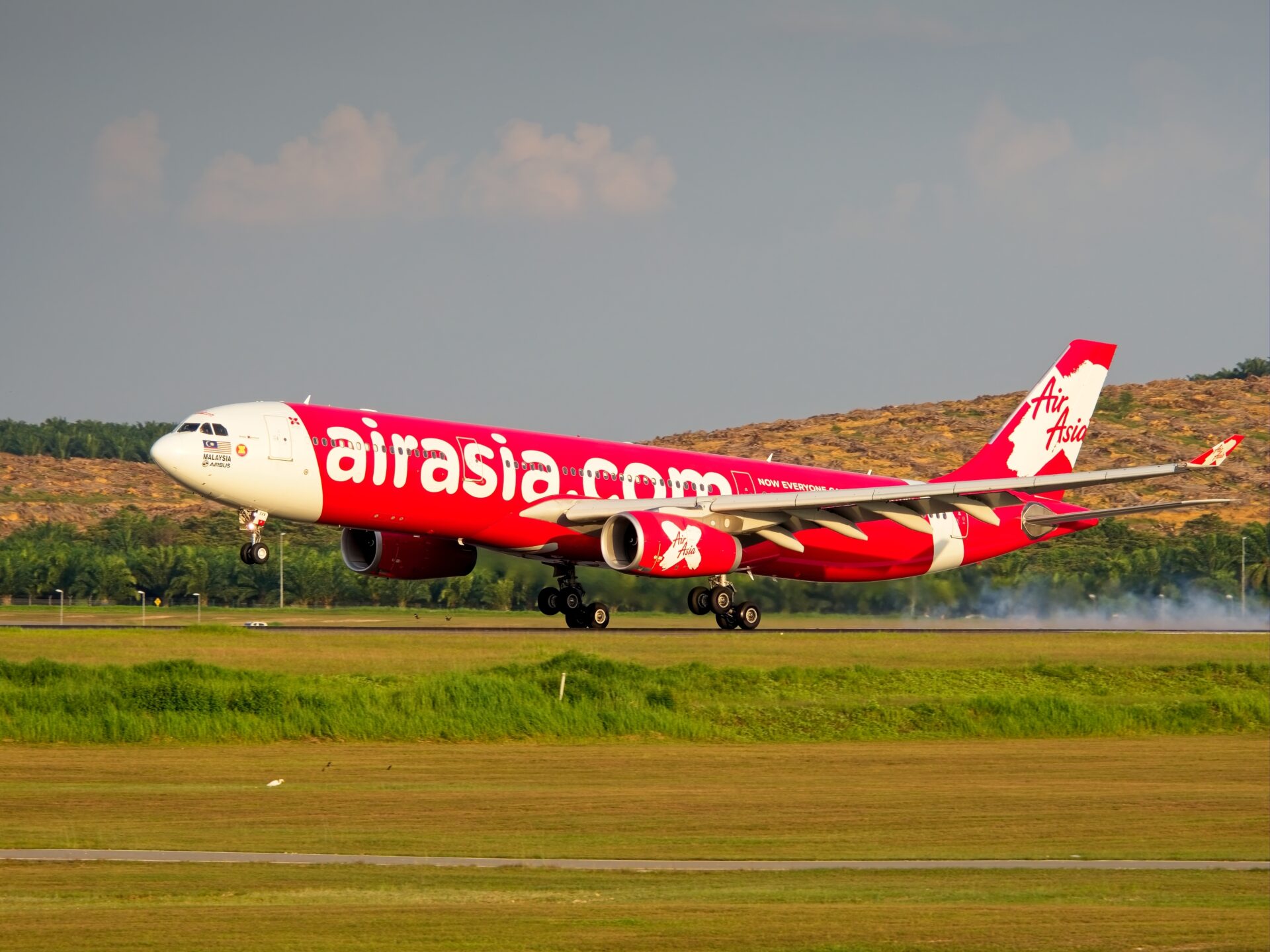
Airbus landing

Where to check

  1. AirAsia website/MOVE app: search by flight number or route + date; turn on notifications.
  2. Airport boards/apps: useful backup—sometimes show gate changes faster.
  3. ATC/Weather feeds: if many flights are delayed, regional weather or ATC restrictions are likely the cause.

Decode the abbreviations

  • ETD/ETA: estimated time of departure/arrival.
  • Gate open/closing: when boarding starts vs the hard cutoff.
  • Retimed/Rescheduled: flight moved earlier/later; accept the new time or contact support for options.

If your flight is delayed or cancelled

Buffer time tips (Malaysia)

For KLIA2 connections on separate tickets, allow generous time for immigration and the walk to distant gates P/Q. For domestic-to-international self-connections, 4+ hours is prudent.

When to go to the counter vs online support

After the disruption

Once home, store your boarding passes and receipts for a few months. If you requested any refunds/credits, set a calendar reminder to verify they’re processed.

How early should I arrive at KUL?

Domestic: at least 2 hours; International: 3 hours (more in holidays). Add extra time if checking sports equipment.

Will status updates show gate numbers?

Yes, but gates can change—refresh regularly and follow announcements.